Art prints and paper
Art prints and paper: how a portrait print is made, sized and kept
How an art print is made and kept: inkjet printing, archival paper and inks, fading, pixels per inch, print shapes, colour, paper weight and storage.
By Purrealism
An art print turns a digital image into an object you can hold and hang. Between the file and the wall sit a series of choices: the printer and its ink, the paper and its coating, the number of pixels, the shape of the sheet, the colour settings, and how the print is kept before it is framed. This guide explains each of those choices in plain words, with the sources behind every fact, so you can judge a print you order or make one from a digital download. Ten pages explain each topic in more detail, and this page shows how they connect.
Why this matters for a pet portrait
Purrealism offers each royal pet portrait in two editions: a digital download, or an art print in one of four sizes, 8 × 10, 12 × 16, 18 × 24 or 24 × 36 inches, on matte or glossy paper. If you order the art print, you choose the size and the paper finish in the portrait studio. If you choose the download, every other decision on this page becomes yours.
Either way, the same facts apply. A portrait of a pet is often meant to stay on a wall for many years, and sometimes it marks a pet who has died. How long its colours last, how sharp its details print and how well it survives the weeks before framing all depend on choices that are easy to get right once you know what they are.
How an art print is made, step by step
The printer
Most art prints today are inkjet prints. The Image Permanence Institute at Rochester Institute of Technology, which studies how prints and photographs age, dates the first device that printed with drops of ink from a nozzle to 1867, when Lord Kelvin built one to record telegraph messages. Its timeline continues with the first desktop inkjet printers from Hewlett Packard in 1984, colour desktop inkjet in 1987, wide format inkjet in 1993 and full-colour pigment inkjet in 2000.
The Historic New Orleans Collection, a museum and research centre, says the French word giclée, meaning a splash or spurt, was first used for inkjet art prints in 1991, for images from the Iris printer introduced in 1985. The word now means inkjet or pigment printing in general. The Image Permanence Institute lists giclée as a term often used for marketing, and prefers the plain word inkjet. The page on giclée printing and how inkjet printers work explains the machines, the two kinds of print head and the history of the word.
The ink
Inkjet colour comes as dye, which dissolves in the ink liquid, or pigment, which stays as tiny solid particles. The Image Permanence Institute says pigment colours have tended to resist moisture, air pollution and light better, while dyes have lasted better during handling. The University of Illinois Library's preservation guide adds that dye inks cost less, which is why most home and office printers use them, and that pigment prints on good paper may last more than 100 years before any fading.
The paper and its coating
Plain paper soaks up inkjet ink, so colours look dull and lines blur. The Image Permanence Institute says paper makers add a thin top coating, which it calls an image receiver layer, to keep the ink near the surface. The coating sits on a base sheet, and that sheet has its own chemistry. The Library of Congress says permanent paper, as defined by the US standard ANSI/NISO Z39.48, has a pH of 7.5 to 10.0, at least 2% alkaline reserve and less than 1% lignin, the natural wood substance that yellows paper. The page on archival paper and inks explains these labels and how ink and paper age together.
The pixels
A digital image is a grid of pixels, and a print spreads them across the paper. The number that lands on each inch is the pixels per inch. The University of Chicago Press gives 300 as its standard print resolution for photographs, and SUNY Broome's library accepts 150 to 300 per inch for large posters. The page on print resolution in pixels per inch shows how to work it out for any file.
The shape
Each print size has a shape, and a photo of another shape must be trimmed at two edges to fill the paper, or printed with blank borders. The page on print sizes, aspect ratios and trimming shows how much each common photo shape loses at each size, and compares the inch sizes with the ISO A sizes used in most countries.
The colour
A screen mixes red, green and blue light, while a printer mixes inks. Colour spaces and profiles let the two agree on what the numbers in a file mean. The International Color Consortium, which writes the specification for colour profiles, says many printers accept only RGB data, so sending them CMYK can give a worse result. The page on colour spaces for printing explains sRGB, Adobe RGB, CMYK and soft proofing.
Drying, storage and time
A fresh print needs to dry, then to be kept flat, clean and covered until it is framed. Over the years, light and air can fade it. The pages on lightfastness and fading and storing unframed prints cover how fading is measured and how to protect a print before it goes into a frame.
Core ideas in one place
A few ideas appear on every page of this guide.
Name the print by its parts. The Image Permanence Institute recommends describing a print by colorant, process, coating and support, in that order. Its example, "pigment inkjet on porous-coated baryta paper", tells you more about how the print will age than any brand name or the word giclée.
Surface and coating go together. The coating under a glossy or matte surface decides how the ink sits. The Institute says swelling polymer coatings can be made the glossiest and protect the ink from scuffs and air pollution, but work with dye inks only, while porous coatings take both inks and dry at once. The page on matte and glossy paper compares the surfaces.
Weight is a measure of mass. Paper weight in grams per square metre tells you how heavy a sheet is for its size. Markus Kuhn's guide to paper sizes at the University of Cambridge explains that the North American pound system weighs 500 sheets of a basic size that changes with the grade, so the same pound figure can mean different papers. The page on paper weight, gsm and thickness converts between the two systems using the US Government Publishing Office's basic sizes.
Damage adds up. The Canadian Conservation Institute says light damage depends on the total dose, light level multiplied by time, and that faded colours cannot be recovered.
Ink and paper combinations compared
The ink and the coating work as a pair. This table brings together what the Image Permanence Institute, the University of Illinois Library and the American Institute for Conservation report about the three common inkjet combinations.
| Combination | Strengths | Weak points |
|---|---|---|
| Dye ink on swelling polymer paper | The glossiest surface; the ink sits inside the coating, which resists scuffs and air pollution | Slow to dry, up to 24 hours; can bleed in damp air |
| Dye ink on porous paper | Dries at once | Open pores leave colours exposed; in ozone tests some prints were almost completely bleached |
| Pigment ink on porous or fine art paper | More lightfast; resists water; may last more than 100 years before fading on good paper | Scuffs easily, above all in dark areas; can show uneven shine on glossy paper |
The Canadian Conservation Institute gives times for fading. It sorts coloured materials by the ISO Blue Wool scale, a set of dyed wool cloths from the 1920s in which each cloth is 2 to 3 times as sensitive to light as the next. Under 50 lux, a highly sensitive colour shows a just noticeable fade in 1.5 to 20 years, and a colour of low sensitivity in 300 to 7,000 years. Where a given print falls on that scale depends on its ink and paper, so ask about both before you buy or print, because the word giclée on a label names only the printing method.
The four sizes compared
This table puts the main numbers for the four Purrealism print sizes side by side. The pixel figures multiply each side by 300 and by 150. The last two columns show a photo of 3,024 × 4,032 pixels, a 3:4 shape, fitted to each size.
| Print size | Shape | Pixels for 300 per inch | Pixels for 150 per inch | 3,024 × 4,032 photo: pixels per inch | Photo trimmed |
|---|---|---|---|---|---|
| 8 × 10 in | 4:5 | 2,400 × 3,000 | 1,200 × 1,500 | 378 | 6 percent |
| 12 × 16 in | 3:4 | 3,600 × 4,800 | 1,800 × 2,400 | 252 | 0 percent |
| 18 × 24 in | 3:4 | 5,400 × 7,200 | 2,700 × 3,600 | 168 | 0 percent |
| 24 × 36 in | 2:3 | 7,200 × 10,800 | 3,600 × 5,400 | 112 | 11 percent |
The print resolution calculator further down this page does the same work for any image. You type a pixel width and height, or let it read them from a photo you choose. For each of the four sizes, it turns the print to match the photo, trims the photo at two opposite edges to match the print's shape, and shows the pixels per inch after the trim, the band that figure falls in (300 or more, 150 to 299, or under 150) and the percent of the photo trimmed. For the sizes in centimetres and where each suits a room, read how big is an 8 × 10 print.
Common mistakes
Each of these mistakes is named in a source behind this guide, and each one is easy to avoid.
- Printing from a copy saved from a website. Rollins College's library says web images are usually saved at low resolution for screens and are unsuitable for printing. Use the original file.
- Enlarging a small file. The University of Chicago Press says upsizing an image to add resolution does not produce usable results.
- Re-saving a JPG before printing. The same press says JPGs lose image data each time they are saved. Edit in a lossless format and export once.
- Printing a photo on plain office paper. The Image Permanence Institute says plain paper dulls colour and line quality. Use a coated photo or art paper.
- Sending CMYK to an RGB printer. The International Color Consortium says many printers accept only RGB data and convert CMYK back, which can give a worse result.
- Comparing papers by pounds across grades. Kuhn's guide shows that the pound figure depends on the basic sheet size, so compare papers in g/m².
- Stacking or rolling inkjet prints. The Image Permanence Institute advises against both, because contact and bending scuff and crack the surface.
- Storing a print in a PVC sleeve or taping it. The Institute says PVC should never be used with imaging materials, and that pressure-sensitive tape can cause deep yellowing within months.
- Leaving a dye print in damp air. The Institute says dye inkjet prints above 80% relative humidity can bleed in less than 24 hours.
Choosing a portrait print on this site
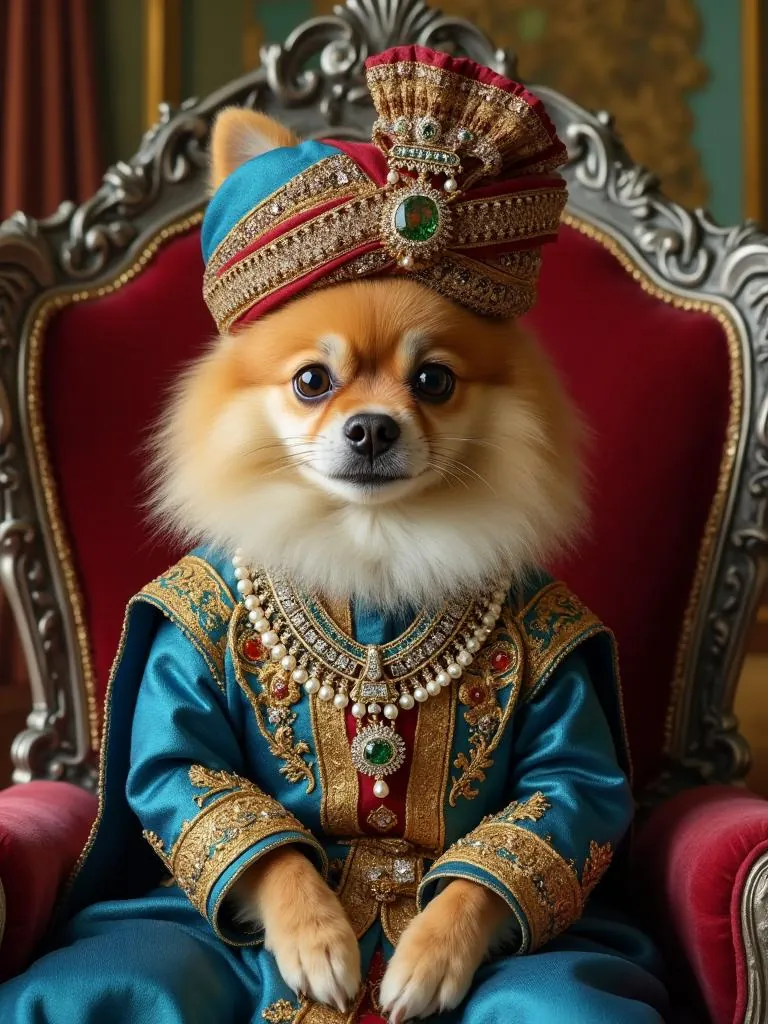
Start with the portrait itself. The gallery shows finished portraits, and the article on how to choose a royal portrait style for your pet helps with the style. The Patiala Royal portrait on this page, a Pomeranian in a blue coat and jewelled turban on a red throne, carries fine detail in its jewelled turban, and detail like that is what to check closely on a test print.
Then choose the edition. With the art print, pick the size by where it will hang and the finish by the light in the room. With the download, check the file's pixels and shape against the table above, follow the steps on printing a digital download at home or at a print shop, and make a small test print before a large one.
Last, plan for the time before framing. Keep the print flat in a sleeve or folder, carry it on a board and frame it soon. The guide to framing and hanging continues from there, with frames, mats, glazing and where to hang the portrait. If the portrait is a present, the guide to pet portrait gifts covers the occasion.
Try it
Print resolution calculator
Enter a photo's width and height in pixels, or choose the photo. The calculator shows the pixels per inch at each print size and how much of the photo each size trims.
The starting numbers, 3024 × 4032, make a 12.2 megapixel photo.
| Print size | Pixels per inch | Band | Photo trimmed |
|---|---|---|---|
| 8 × 10 in | 378 | 300 ppi or more | 6 percent |
| 12 × 16 in | 252 | 150 to 299 ppi | 0 percent |
| 18 × 24 in | 168 | 150 to 299 ppi | 0 percent |
| 24 × 36 in | 112 | Under 150 ppi | 11 percent |
The print turns to match the photo: a wide photo gets a wide print. To fill the print, the photo is trimmed at two opposite edges until its shape matches the print, and the pixels per inch are counted after that trim.
Start a portraitEvery page in this guide, by topic
How prints are made
What is a giclée print? How inkjet art prints are made
A giclée print is a fine art inkjet print. The word dates from 1991. Here is how the printer, the inks and the paper work together, in plain words.
Archival paper and inks: what makes an art print last
Archival paper is acid-free, low in lignin and often buffered with calcium carbonate. Here is what those words mean and which inks last longest on it.
Lightfastness: how fading is measured and why prints fade
Lightfastness is how well a colour resists fading in light. Learn the Blue Wool scale, the ASTM test for artists' colours, and why inkjet prints can fade.
Choosing the paper
Matte vs glossy paper: how print surfaces differ
Glossy paper reflects light in one direction and matte paper scatters it. Here is how each inkjet surface is made, measured and cared for, in plain words.
Paper weight explained: gsm, pounds and thickness
Paper weight in gsm is grams per square metre. Here is how it compares with the pound system, how to convert between them, and how weight relates to thickness.
Pixels, shape and colour
Print resolution: how many pixels per inch an art print needs
Pixels per inch is the number of image pixels spread across each inch of paper. Here is how to work it out and what 300 and 150 ppi mean for a print.
Print sizes and shapes: why a photo gets trimmed to fit the paper
Each print size has a shape, and a photo of another shape loses part of two edges to fill it. See how much each common photo shape loses at each size.
Colour spaces for printing: sRGB, Adobe RGB, CMYK and profiles
A colour space tells a screen or printer what the numbers in an image mean. Learn how sRGB, Adobe RGB, CMYK and ICC profiles shape the colours of a print.
Printing and keeping
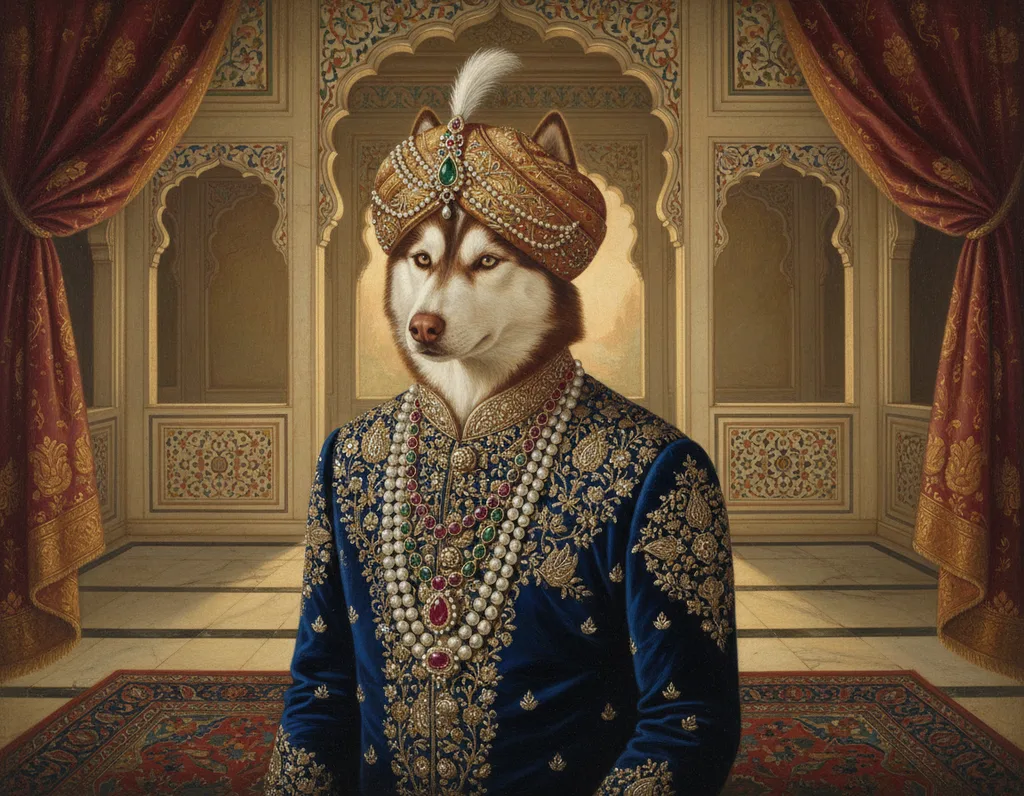
How to print a digital download at home or at a print shop
Printing a digital portrait well starts with the file: its pixels, format and shape. Then choose the paper and printer, make a test print and let it dry fully.
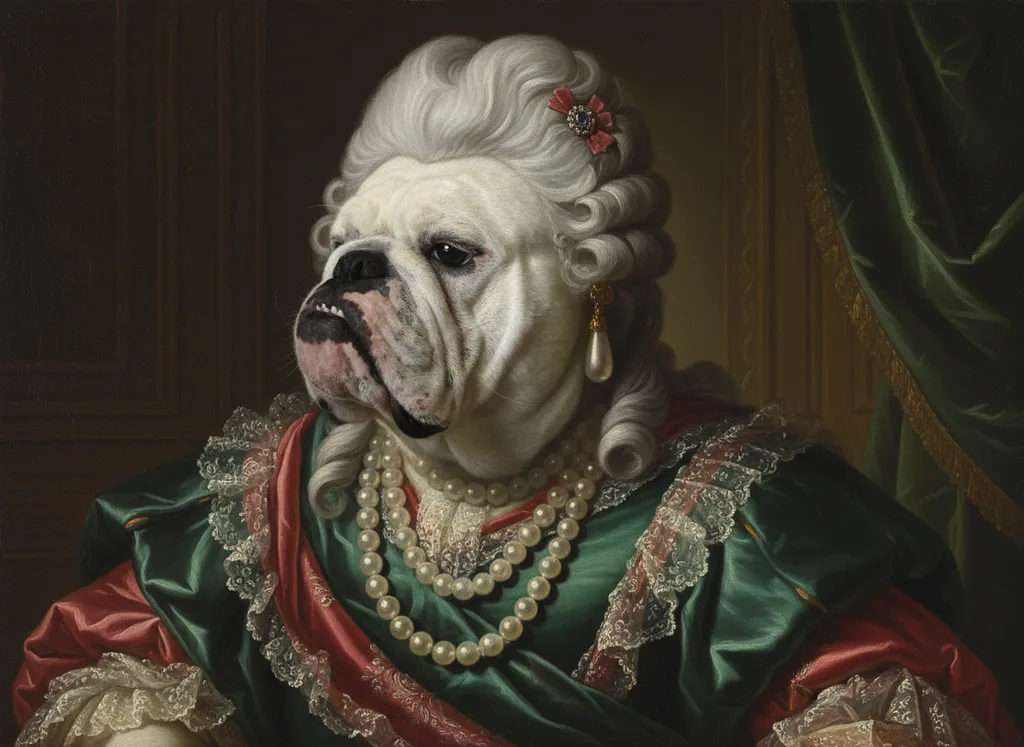
Storing unframed prints: sleeves, boxes and safe handling
An unframed print is safest flat, in its own acid-free folder or polyester sleeve, handled on a stiff board and kept cool and dry. Here is how, step by step.
Questions and answers
What is a fine art print?
A fine art print is a picture printed on high quality art paper, today usually by inkjet. The Image Permanence Institute defines fine art paper as high quality paper for printmaking, watercolour or other artwork, and recommends the words fine art and plain to tell such papers apart from thin office paper. Inkjet fine art papers usually carry a coating that holds the ink near the surface.
What is art print paper?
Art print paper is a heavy, stable sheet with a coating made to receive inkjet ink. The Historic New Orleans Collection lists the common supports for inkjet art prints: cotton rag watercolour paper with a textured surface, baryta paper for rich blacks, canvas and vinyl. The Image Permanence Institute calls the coating an image receiver layer and says it keeps colours brighter and lines sharper.
Which paper is best for art prints?
The best paper for an art print is a stable, acid-free sheet with a coating that suits the ink. The Library of Congress says permanent paper under ANSI/NISO Z39.48 has a pH of 7.5 to 10.0, at least 2% alkaline reserve and less than 1% lignin. The Image Permanence Institute says swelling polymer coatings take dye inks only, while porous coatings take dye or pigment.
Are giclée prints archival?
Giclée prints can be archival when they use pigment inks on stable paper. The Historic New Orleans Collection says inkjet prints made with pigment inks are archivally stable and resist light and water, and the University of Illinois Library says pigment inks are more lightfast than dye inks. The word giclée alone promises nothing about lifespan, so ask which ink and which paper were used, and whether the paper meets a permanent paper standard.
Do giclée prints fade?
Giclée prints can fade over time, at a speed set by the ink, the paper, the light and the air. The Canadian Conservation Institute says light damage adds up with the total dose and cannot be reversed. In Image Permanence Institute tests, dye inkjet prints on porous-coated paper were almost completely bleached by ozone, a gas in indoor air.
How are art prints made?
Most art prints today are made by inkjet printing, in which nozzles spray tiny drops of ink onto coated paper. The Image Permanence Institute says the print head never touches the paper and that all desktop and most wide format inkjet printers release a drop only where the image needs one, using a small heater or a flexing ceramic plate.
What resolution does an art print need?
An art print of a photo needs 300 image pixels per inch of paper to meet the University of Chicago Press's standard print resolution for photographs. For an 18 × 24 inch print, that means 5,400 × 7,200 pixels. SUNY Broome's library accepts 150 to 300 per inch for large posters and says images below 150 per inch look pixelated.
How do you make art prints at home?
Making art prints at home takes an inkjet printer, coated photo or art paper and a file with enough pixels for the size. The Image Permanence Institute says plain paper dulls colours and blurs lines, and that polymer-coated papers can take hours to dry. The International Color Consortium says many printers accept only RGB data, so send RGB files.
How long do inkjet art prints last?
Inkjet art prints on pigment ink and good paper may last more than 100 years before any fading, according to the University of Illinois Library's preservation guide. Dye ink prints are less lightfast, and a single drop of water can make dye ink run. The paper matters too: the same guide says paper meeting the US permanent paper standard is designed to last several hundred years under normal use.
When did colour inkjet printers start using pigment inks?
Colour inkjet printers began printing with full-colour pigment inks in 2000, according to the Image Permanence Institute's timeline of inkjet printing. The same timeline dates the first desktop inkjet printers to 1984 from Hewlett Packard, colour desktop inkjet to 1987 and wide format inkjet printing to 1993. Pigment inks have tended to resist light, moisture and air pollution better than dyes.
What is an art print made of?
An art print is made of three layers: a support, usually paper or canvas, a coating that receives the colour, and the ink itself. The Image Permanence Institute names a print by colorant, process, image receiver layer and support, in that order, so pigment inkjet on porous-coated baryta paper describes the ink, the printer, the coating and the sheet.
Sources
- Inkjet/Giclée Print Process, The Historic New Orleans Collection. Accessed September 28, 2026.
- IPI's Guide to Preservation of Digitally-Printed Images, Image Permanence Institute, Rochester Institute of Technology. Accessed September 28, 2026.
- Digital Prints, Preservation Self-Assessment Program, University of Illinois Library. Accessed September 28, 2026.
- Paper, Preservation Self-Assessment Program, University of Illinois Library. Accessed September 28, 2026.
- What is permanent paper?, Library of Congress. Accessed September 28, 2026.
- Agent of deterioration: light, ultraviolet and infrared, Canadian Conservation Institute, Government of Canada. Accessed September 28, 2026.
- Lessons in Digital Print Preservation: The DP3 Project, American Institute for Conservation, Topics in Photographic Preservation, Volume 14. Accessed September 28, 2026.
- Digital art requirements, University of Chicago Press. Accessed September 28, 2026.
- Poster Printing Guidelines, SUNY Broome Community College Library. Accessed September 28, 2026.
- ICC Frequently asked questions, International Color Consortium. Accessed September 28, 2026.
- A4 paper format / International standard paper sizes, Markus Kuhn, Department of Computer Science and Technology, University of Cambridge. Accessed September 28, 2026.
- Government Paper Specification Standards No. 13, U.S. Government Publishing Office. Accessed September 28, 2026.
Short reads on this topic
Articles from Purrspectives that answer one question each.
Cat wall art ideas: choosing a cat portrait for every room
Cat wall art for each room: the print size for a hall, living room, bedroom or small flat, the cat portrait that suits its colours, and where to keep it safe.
Dog wall art ideas: how to choose and hang a portrait of your dog
Good dog wall art fits its wall: pick a print size for the furniture below, hang it with its centre at eye level, and keep it out of direct sun.
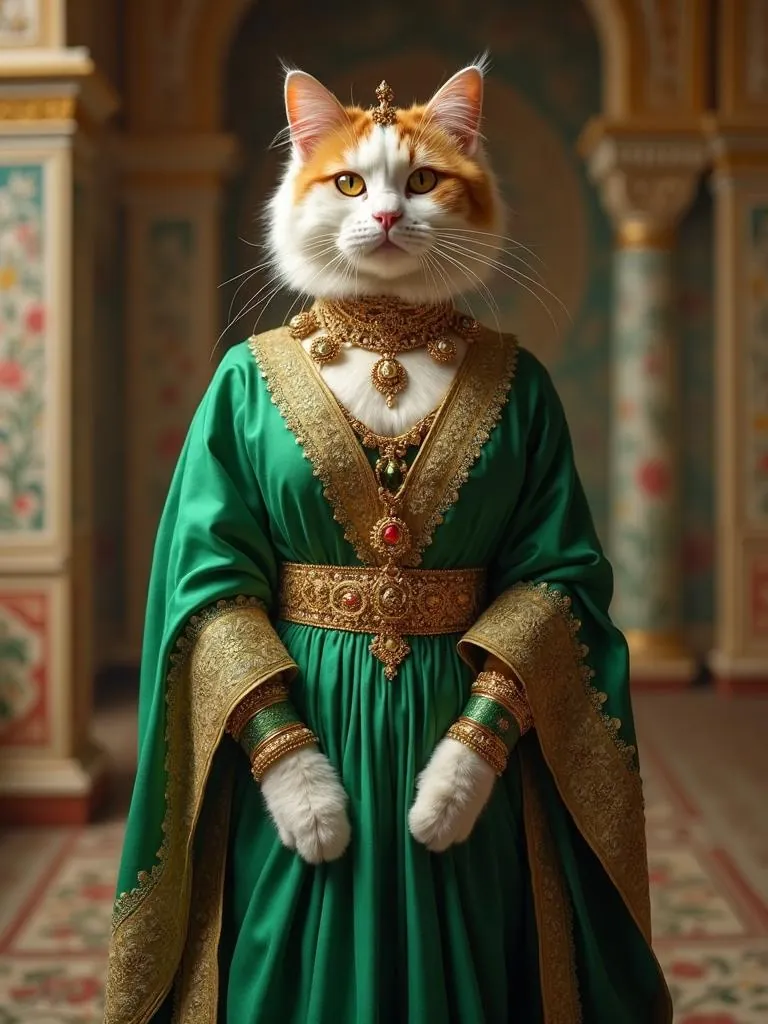
How big is an 8 × 10 print? Pet portrait print sizes explained
An 8 × 10 print is 20.32 × 25.4 cm, with a 4:5 shape. See all four portrait print sizes in cm, plus the pixels, frames and mats each one needs.