Pet photo guide
Pet photo guide: taking and choosing the photo for a portrait
How to take or choose the photo for a pet portrait: soft light, sharp eyes, eye level, the right brightness for the coat, and a file under 5 MB.
By Purrealism
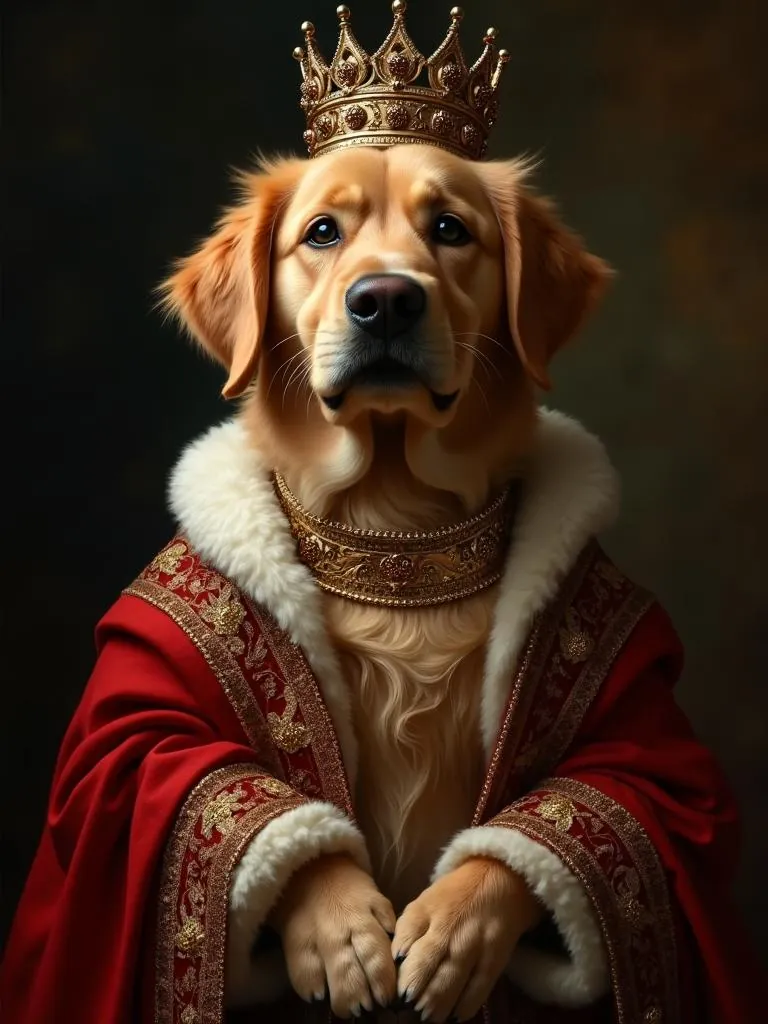
A royal portrait of your dog or cat starts with one photo. The portrait studio takes a single image file of up to 5 MB, and everything the portrait shows about your pet, from the shape of the ears to the colour of the eyes, comes from that photo. This guide explains how to take a photo that gives a portrait what it needs, or how to choose one from the photos you already have. It covers light, focus, camera height, phone settings, coat colour, dogs, cats, young and older pets, old printed photos, and the file itself.
You do not need a professional camera. An American Kennel Club (AKC) article on dog photos quotes a breeder and photographer who says that many recent cell phones can capture nice photos, and that the most important thing with any camera is to be at eye level with the dog and close up. The Cats Protection volunteer who wrote photo tips for the UK cat charity says the automatic settings on phones adjust well to conditions. The rest of this guide assumes a phone.
What a portrait needs from a photo
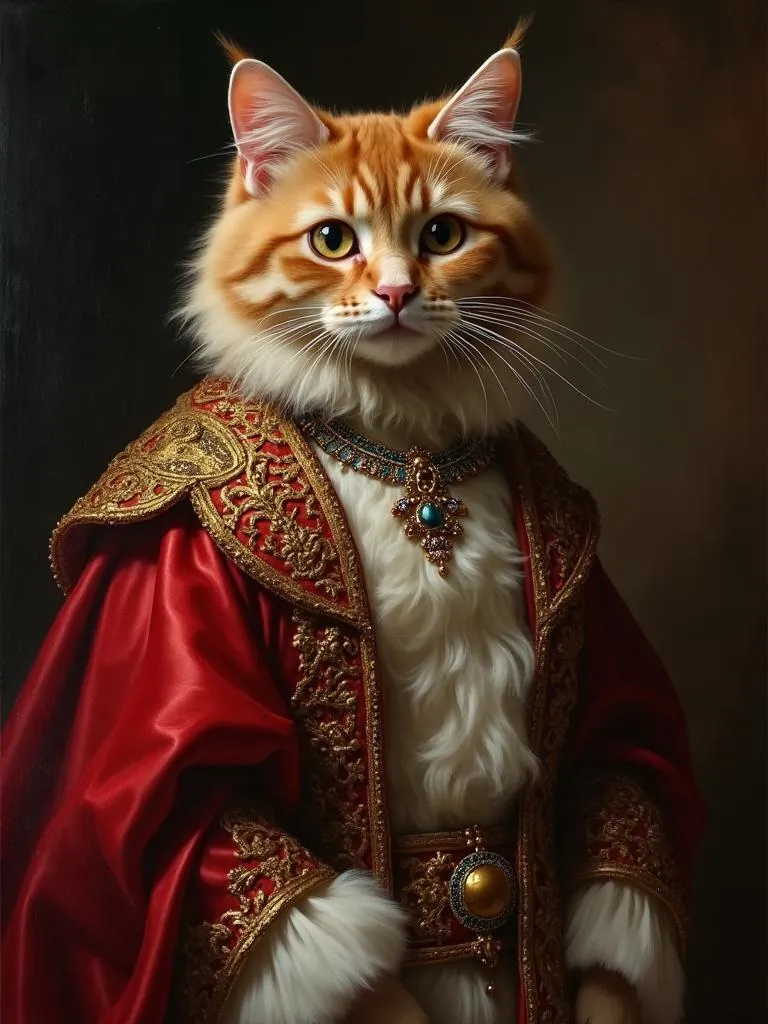
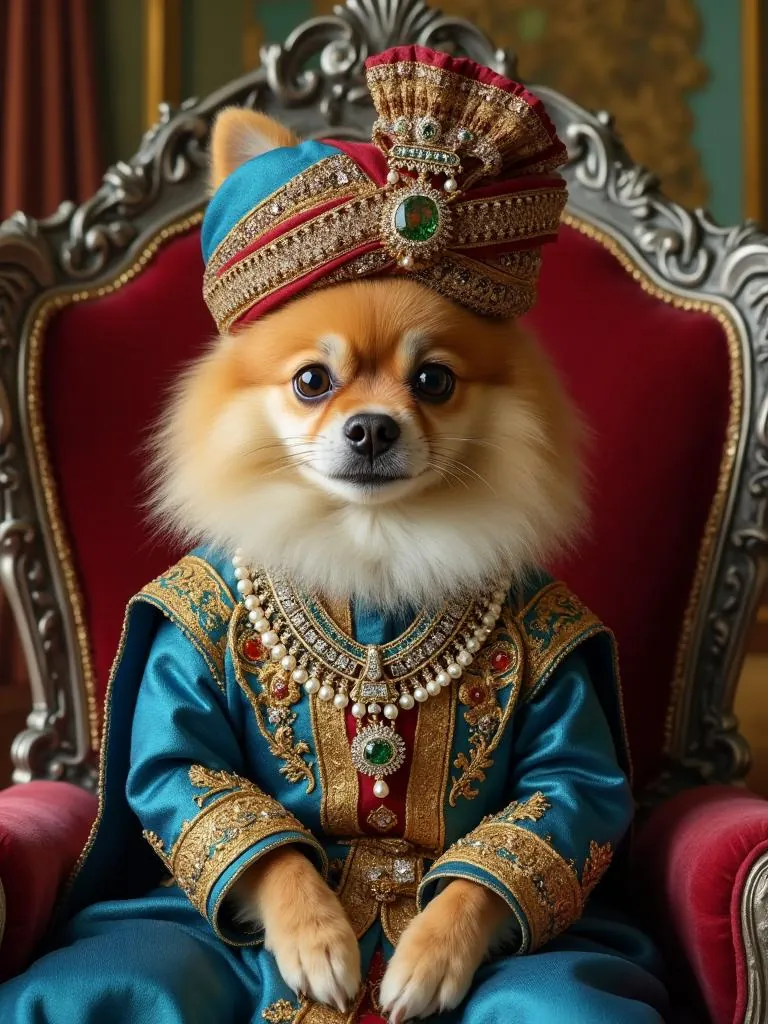
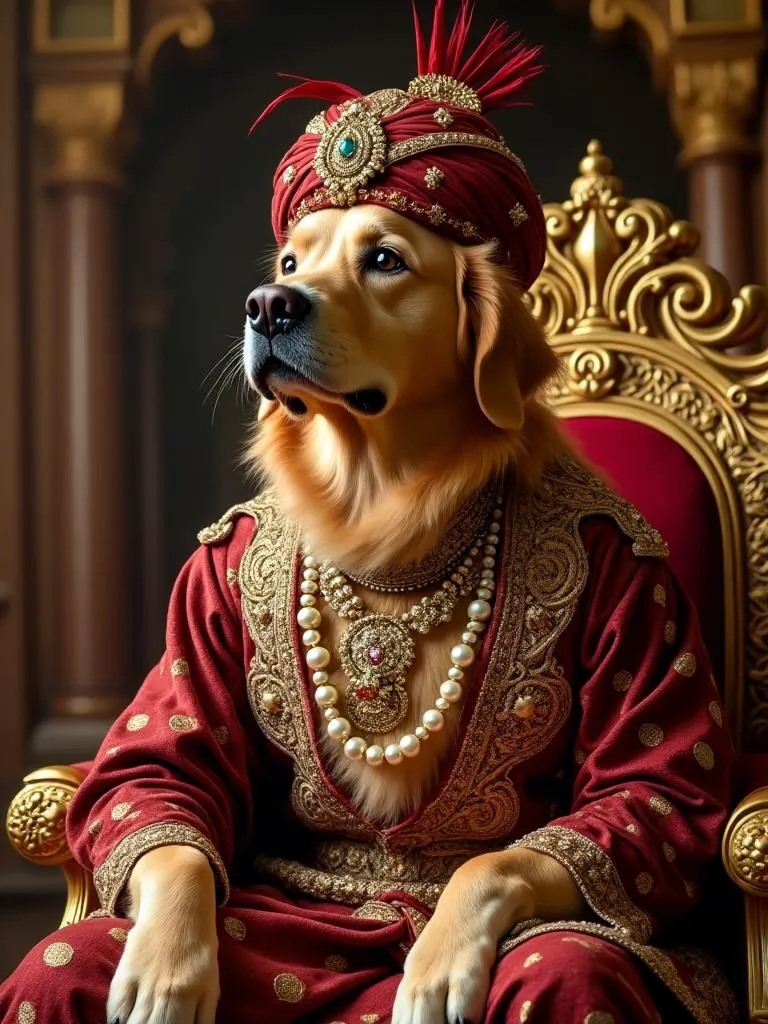
A portrait in one of the 15 royal styles, from Maharaja to Regency Era, shows your pet in royal dress and surroundings. The style sets the costume and the scene, and your photo supplies the face. So the photo has one job: to show the face clearly.
In practice, that means five things:
- Both eyes open and sharp.
- The whole head in the frame, with a small margin around the ears and chin.
- True colours, so a ginger coat stays ginger and blue eyes stay blue.
- Detail in the fur, with texture in both the dark and the light parts.
- Enough pixels for the print size you want, in a file under 5 MB.
The portrait comes as a digital download or as an art print in one of four sizes, 8 × 10, 12 × 16, 18 × 24 or 24 × 36 inches, on matte or glossy paper. A larger print shows more of the photo's detail, so the photo matters more as the size goes up.
The process, step by step
Taking a portrait photo works best in a set order, because each step depends on the one before. Good light, for example, lets the phone use a short exposure, and a short exposure keeps a moving pet sharp.
- Find the light. Choose a window with no direct sun coming through it, or open shade outdoors, and turn off the room lamps. The page on lighting a pet photo explains where to put your pet, the window and yourself, and why lamps turn fur orange.
- Check the phone. Set the flash to Off, remove any filter or style, use the back camera and the highest resolution. The page on phone camera settings goes through the iPhone and Pixel settings one by one.
- Get down to eye level. Kneel, sit or lie on the floor, and step back so you can use the 1x or 2x lens. The page on camera height and angle explains why distance and lens choice change the shape of the face.
- Set the focus and brightness. Tap your pet's eyes on the screen. For a black, white or two-tone coat, drag the brightness until the fur looks right, as the page on black, white and two-tone coats explains.
- Get your pet's attention, calmly. A sound, a toy or a treat beside the lens turns the face toward you. The pages on photographing dogs and photographing cats show how to read your pet's body language and when to stop.
- Take many photos. Use burst mode or keep Live Photos on, so you can choose the best moment later. The page on sharp pet photos explains how.
- Choose one and check it. Zoom in on the eyes, look at the fur, and check the file size. The page on photo file size and format explains what to do if the file is over 5 MB.
For a puppy, a kitten or an older pet, adjust the session to the animal, as the pages on photographing puppies and kittens and photographing an older dog or cat explain.
Core ideas
Light
Light decides how much detail the phone can record. The AKC recommends shade, or golden hour, the first hour after sunrise and the hour before sunset, for the best natural light. Cats Protection says natural light through a window can give sharp photos with lots of detail, and that a subject lit from behind will look dark, like a silhouette.
Light also has a colour. Encyclopaedia Britannica gives a figure of 2,800 kelvins, a unit of light colour, for ordinary household bulbs, and 5,000 kelvins or more for daylight, which is richer in blue. That is why a lamp gives fur an orange tint and a window gives a cooler one. Use one type of light at a time.
The flash is the one light to avoid. The American College of Veterinary Ophthalmologists explains that most dogs and cats have a reflective layer at the back of the eye, which sends light back toward the camera and makes the eyes glow. A glowing eye hides the eye colour the portrait needs.
Sharpness
A photo can be blurred for three reasons: the focus landed on the wrong spot, your pet moved, or the phone moved. Tapping the eyes fixes the first. More light, a calm moment and burst mode fix the second. Holding the phone with both hands, or resting it on something, fixes the third.
Angle and distance
A photo from standing height looks down on the top of your pet's head. A photo from eye level shows the face as a portrait shows it. Distance matters too. A photography page from the University of Connecticut explains that a wide angle lens used close up can make a nose look larger than normal, and that head and shoulder portraits are usually made with a slight telephoto lens. On a phone, that means stepping back and using the 2x or 3x button where your phone has one.
Brightness and coat colour
A phone's light meter aims to show every scene as a middle tone. Fstoppers, a photography publication, explains that when dark tones fill the frame the meter brightens the photo, and when bright tones fill it the meter darkens it. A black cat can come out charcoal, and a white dog can come out grey. Setting the brightness yourself, with the slider next to the focus point, fixes both.
Pixels and megabytes
A photo has a pixel size, the number of tiny squares of colour across and down, and a file size in megabytes. The pixel size decides how much detail a print can show. The file size decides whether the photo fits the 5 MB upload limit. Apple says the iPhone's High Efficiency format, HEIF, uses less storage than JPEG with the same visual quality, and that JPEG is more broadly compatible with other devices.
Problems and their fixes
The table sets out problems you may see in a portrait photo, with their causes, their fixes and the page that covers each one.
| Problem in the photo | Cause | Fix | Page |
|---|---|---|---|
| Pet is a dark shape | Window or sky behind the pet | Turn around so the light falls on the face | Lighting |
| Fur looks orange or two-coloured | Lamps mixed with daylight | Turn the lamps off and use the window | Lighting |
| Eyes glow green or yellow | Flash | Set the flash to Off | Lighting |
| Background sharp, face soft | Focus in the wrong place | Tap the eyes before the photo | Sharp photos |
| Head or paws smeared | Pet moved in dim light | Add light, use burst mode | Sharp photos |
| Nose looks too big | Phone too close with a wide lens | Step back, use 2x | Camera angle |
| Top of the head fills the photo | Photo taken from standing height | Kneel or lie down to eye level | Camera angle |
| Black fur looks grey | Light meter brightening a dark frame | Drag the brightness down | Coats |
| White fur looks grey | Light meter darkening a bright frame | Drag the brightness up | Coats |
| Colours look strange | A filter or Photographic Style left on | Choose Original | Phone settings |
| Ears pinned back, eyes wide | Pet is stressed | Stop and try later | Dogs, cats |
| Upload refused | File over 5 MB | Crop, or export as JPEG | File size |
Dogs, cats, and pets of every age
The camera side of a photo is the same for any pet. The animal side differs.
For dogs, the AKC article passes on a professional photographer's advice to choose a place where the dog feels safe, bring favourite toys and rewards, and stop at signs of stress such as pinned back ears, a droopy tail, lip licking or shaking. For cats, Cats Protection suggests photographing just after a meal or a nap, when a cat is more likely to be relaxed, and asking a helper to dangle a toy out of view of the camera.
Age changes the plan again. Alley Cat Allies, an American cat charity, says a kitten's eyes are all blue at first and that its true eye colour may not become apparent until two months old. The AKC says an older dog's signs of aging often appear slowly, and that larger breeds reach senior age sooner than small ones. A puppy needs short sessions between naps and no flash. An older pet needs a warm, soft, non-slip place to lie down.
Old, printed and scanned photos
Sometimes the best photo of a pet is a print in an album. You can photograph a print with a phone. Google's help page for its PhotoScan app gives practical tips: take the photo out of its sleeve or album, place it on a flat surface with a contrasting background, avoid carpet, and hold the phone upright for an upright photo and sideways for a wide one.
A common problem is glare, the shine of a window or lamp on the print's surface. In 2017, Google researchers described how PhotoScan handles it: the app asks you to take several pictures of the print while moving the phone, and because the glare moves across the print as the camera moves, each part of the photo is usually clear in at least one of them. The app lines the frames up and keeps the darkest value at each point, which removes the bright glare. It also corrects the shape, since a rectangular print photographed at an angle looks like an uneven four-sided shape.
For handling, cleaning and scanning old prints, slides and negatives of a pet who has died, the guide to pet memorial portraits covers the steps in full, and the article on how to memorialize a pet has other ideas for remembering one.
Checking a photo before you upload
The photo checker further down this page looks at any photo you choose and reports four things. It works inside your browser, and the photo never leaves your device.
| Check | What it shows | The line it uses |
|---|---|---|
| File size | Megabytes, against the upload limit | 5 MB, the same limit as the portrait studio |
| Pixels | Width and height, and pixels per inch at each of the four print sizes | Bands of 300 ppi or more, 150 to 299, and under 150 |
| Brightness | Average brightness from 0 to 255, and the share of near-black and near-white pixels | The checker's own range of 70 to 200 |
| Sharpness | A score from how much each pixel differs from its neighbours, on a greyscale copy at most 512 pixels long | The checker's own line of 100 |
The brightness range and the sharpness line were chosen for this checker. They help you compare photos of the same pet and spot one that is much darker, brighter or softer than the others. A black cat on a dark sofa can read under 70 and still be a good photo, so always look at the photo too.
Using your photo on Purrealism
When you have a photo you like, open the portrait studio, choose one of the 15 styles and add the photo. The article on how to choose a royal portrait style helps you match the style to your pet, and the gallery shows finished portraits of different breeds.
If the portrait is a gift and you need a photo of someone else's pet without spoiling the surprise, the guide to pet portrait gifts covers that. If you plan an art print, the guide to art prints and paper explains print sizes, paper and what pixels per inch mean for each size.
Try it
Photo checker
Choose the photo you plan to use. The checker measures its size, pixels, brightness and sharpness in your browser. The photo never leaves your device.
Every page in this guide, by topic
Start here
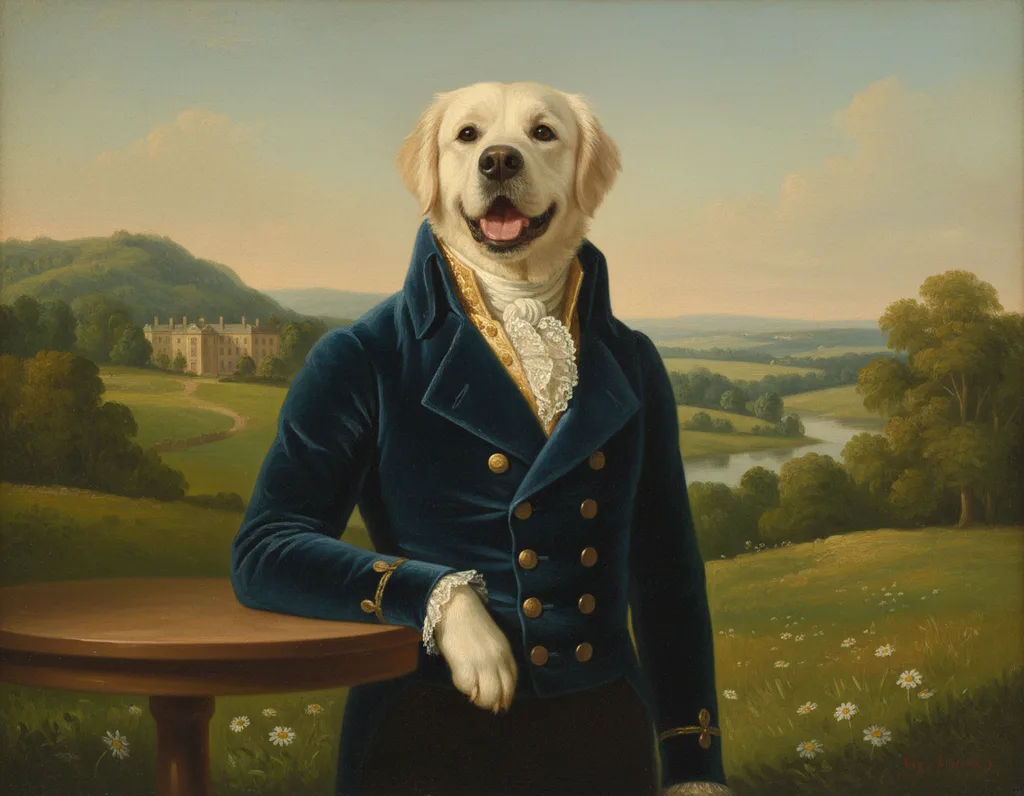
Lighting a pet photo: windows, shade, lamps and flash
Where to put your pet, the window and yourself for a clear portrait photo, why lamps turn fur orange, and why flash makes pet eyes glow.
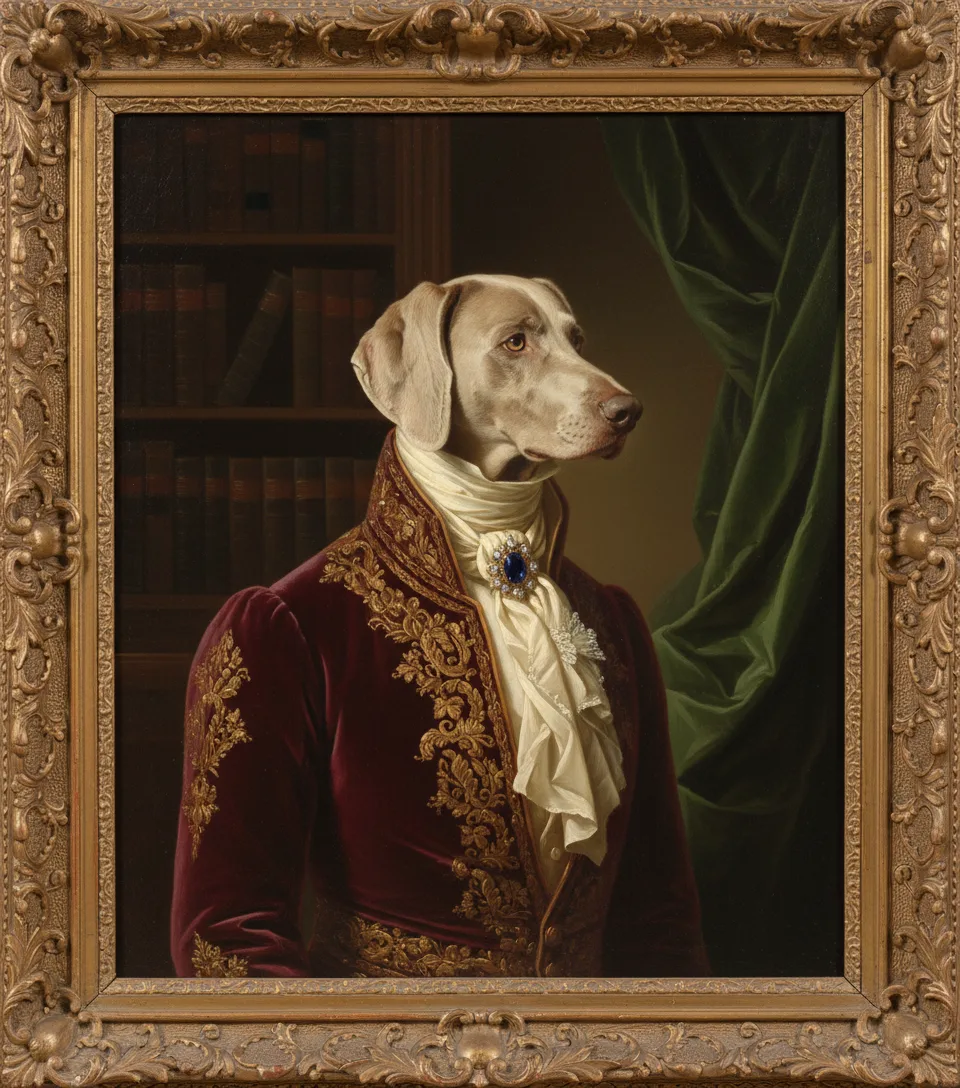
Sharp pet photos: focus, movement and camera shake
Why pet photos come out blurred, how to put the focus on the eyes, and how burst mode, Live Photos and a steady phone give you one sharp frame.
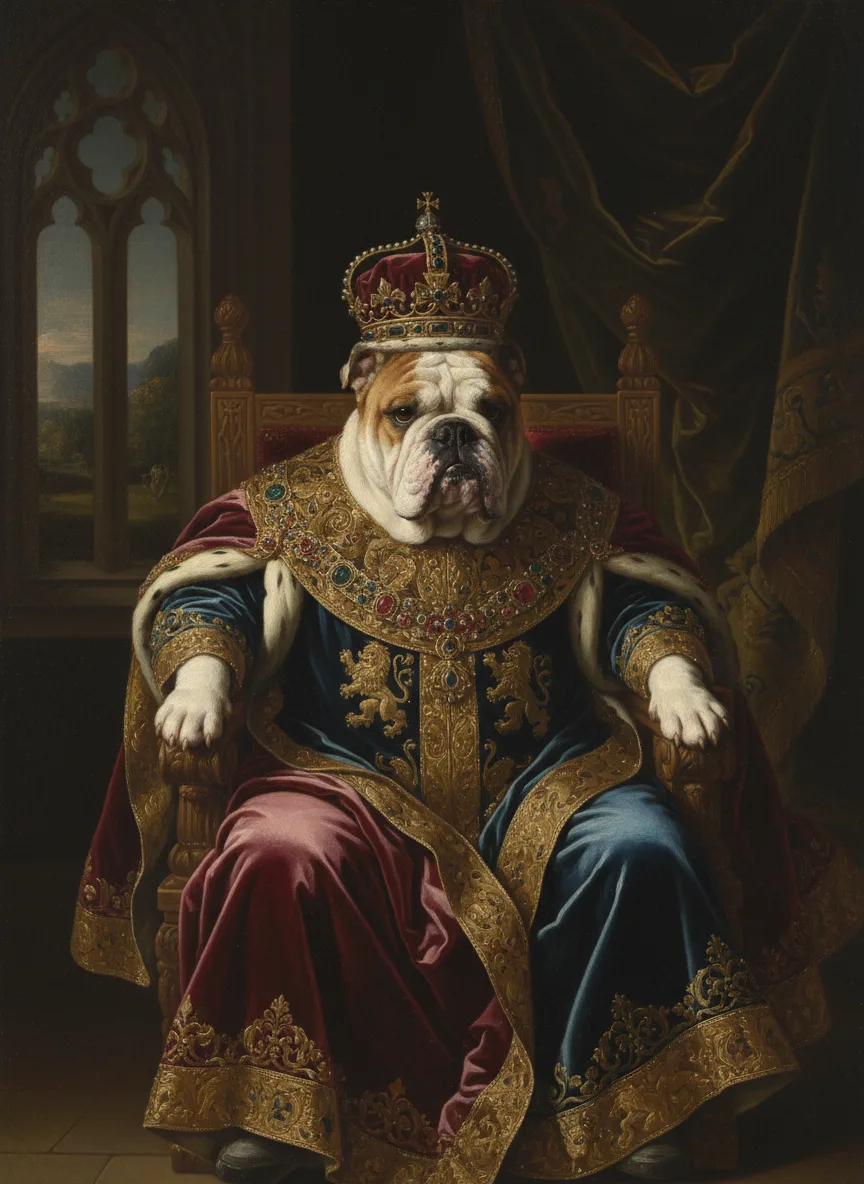
Camera height and angle for a pet portrait photo
Hold the phone at your pet's eye level, a step back, with the face turned toward you. Why height, distance and lens choice change the shape of a pet's face.
Your phone and the file
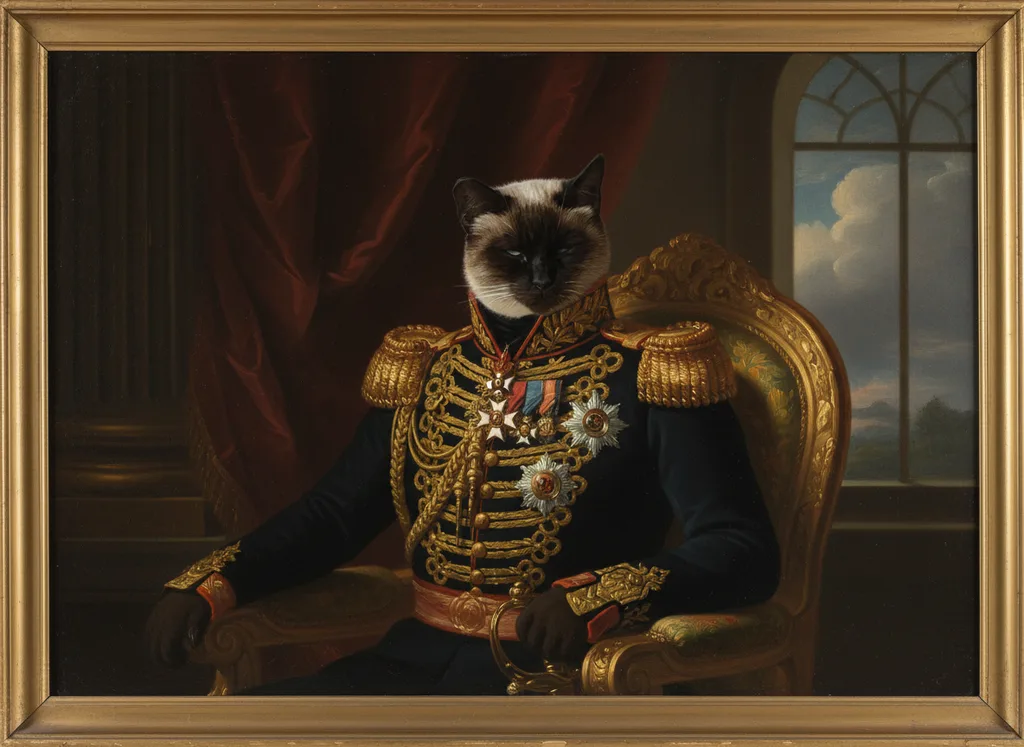
Phone camera settings for a pet portrait photo
Which iPhone and Pixel camera settings help a pet portrait photo: Portrait mode, resolution, filters and styles, Live Photos, and the back camera.
Photo file size and format: the 5 MB upload limit
What decides a photo's file size, HEIC and JPEG compared, and how to bring a pet photo under the 5 MB upload limit while keeping enough pixels to print.
Dogs, cats and coats
Photographing dogs: calm, attention and body language
How to read a dog's face and body during a photo session, get its attention, keep it in place with a helper, and stop at the first signs of stress.
Photographing cats: timing, trust and body language
How to time a cat photo, read a cat's ears, eyes, whiskers and tail, use the slow blink to build trust, and get a cat's attention without stress.
Black, white and two-tone coats: getting the brightness right
Why a phone turns a black coat charcoal and a white coat grey, how to set the brightness yourself, and which backgrounds help dark, white and patterned pets.
Young and older pets
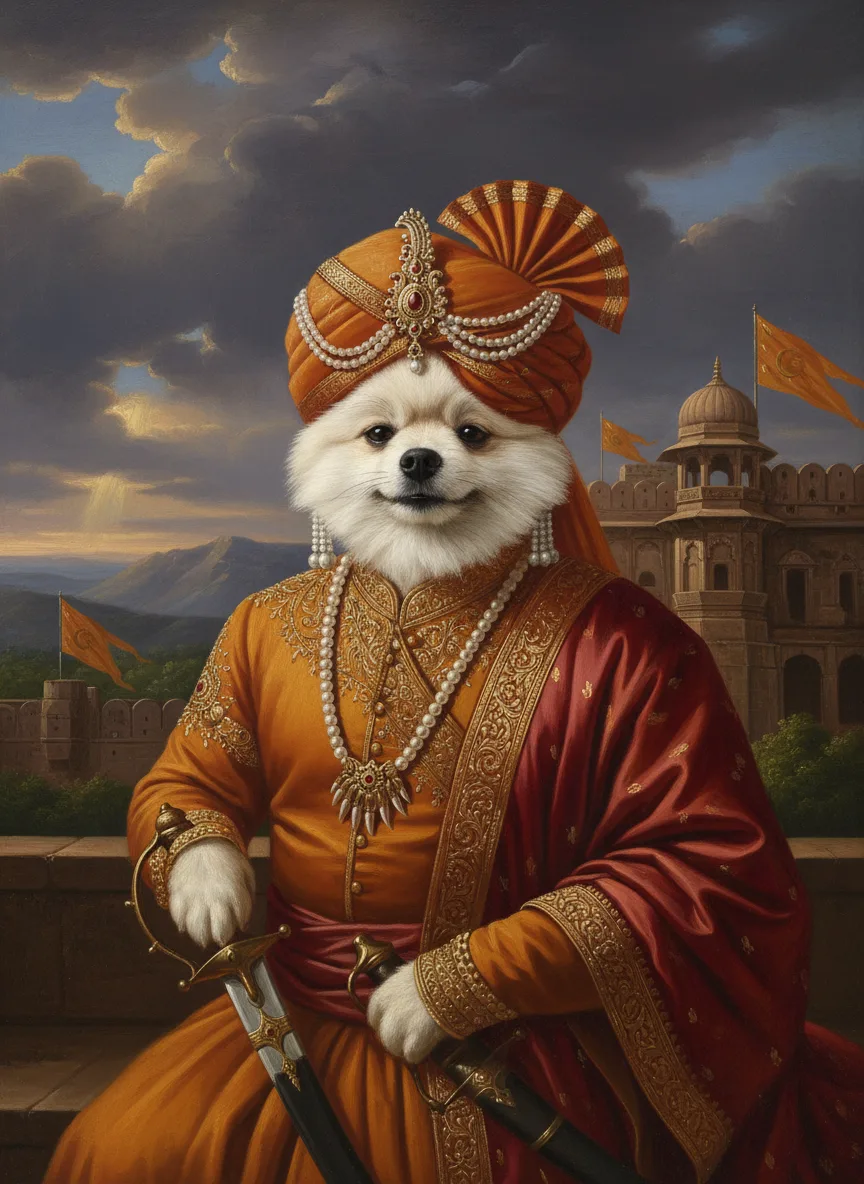
Photographing puppies and kittens
How to photograph a puppy or kitten for a portrait: safe light with no flash, short sessions around naps, and when eye colour and coat settle.
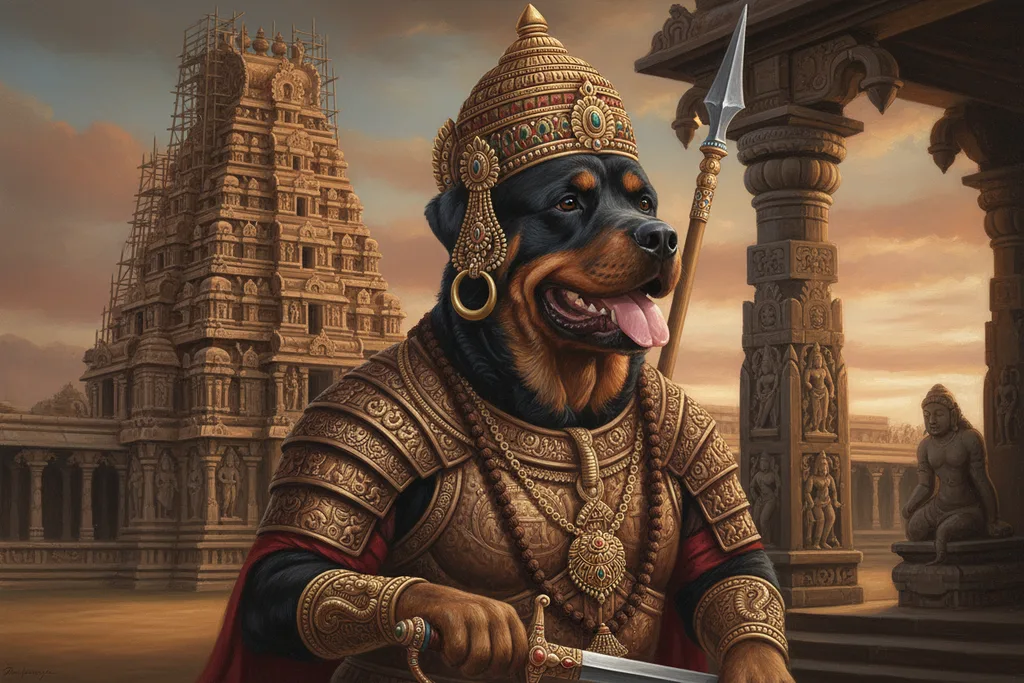
Photographing an older dog or cat
How to photograph an older dog or cat for a portrait: when a pet counts as senior, keeping it comfortable, gentle grooming, grey muzzles and cloudy eyes.
Questions and answers
In what order should I prepare a photo for a pet portrait?
Prepare a photo for a pet portrait in this order: find soft daylight, check the phone settings, get down to your pet's eye level, get its attention, take many photos, choose the sharpest, and check the file. Each step depends on the one before it. Good light, for example, lets the phone use a short exposure, which keeps a moving pet sharp.
Do I need a professional camera for a pet portrait photo?
A phone is enough for a pet portrait photo. An American Kennel Club article quotes a breeder and photographer who says many recent phones can capture nice photos, and that being at eye level and close up matters most with any camera. A Cats Protection volunteer says the automatic settings on phones adjust well to most conditions.
How many photos should I take of my pet for a portrait?
Take many photos of your pet for a portrait, then choose one. A volunteer photographer writing for Cats Protection, a UK cat charity, advises taking lots of shots in quick succession so that at least one comes out well. American Kennel Club breeders describe taking up to 100 shots to get the same front-facing angle of each puppy.
Why does the background matter in a pet portrait photo?
The background matters in a pet portrait photo because clutter pulls attention from the face and a background close to the coat colour hides its outline. An American Kennel Club article advises checking that nothing distracting sits behind the dog. A Cats Protection volunteer suggests a light background for a dark cat and a dark background for a white cat.
Should the photo for a pet portrait be recent?
A recent photo shows your pet as it looks today, and pets change with age: Alley Cat Allies says a kitten's true eye colour may not show until two months old, and the American Kennel Club says signs of aging in dogs often appear slowly. For a portrait of an earlier stage, an older photo works too.
How do I photograph a printed photo of my pet with a phone?
To photograph a printed photo of your pet, lay it flat on a surface of a contrasting colour and hold the phone straight above it. Google's help page for its PhotoScan app says to avoid scanning on carpet, to hold the phone vertically for an upright photo, and to remove photos from sleeves or albums first. Check the print for shine before you shoot.
How does Google PhotoScan remove glare from old photos?
Google PhotoScan removes glare by combining several pictures of the same print taken from different angles. Google researchers explained in 2017 that the glare moves as the camera moves, so each part of the photo is usually glare-free in at least one frame. The app aligns the frames and keeps the darkest value at each point, which removes the bright glare.
What does the Purrealism photo checker test?
The Purrealism photo checker tests four things about a pet photo: the file size against the 5 MB upload limit, the pixel width and height with the pixels per inch at each of the four print sizes, the average brightness with the share of near-black and near-white pixels, and a sharpness score. The brightness range and sharpness line are the checker's own.
Does the Purrealism photo checker upload my photo?
The Purrealism photo checker does not upload your photo. It reads the photo you choose inside your own browser, and the photo never leaves your device. Only when you start a portrait and add the photo in the portrait studio is the image file sent, and the studio accepts one image file of up to 5 MB.
What should I check before uploading a pet photo for a portrait?
Before uploading a pet photo for a portrait, check four things: both eyes are sharp when you zoom in, the fur keeps its colour and texture, the face and ears are fully inside the photo, and the file is under 5 MB. The Purrealism portrait studio shows the message Please choose a photo under 5 MB for a larger file.
Sources
- Tips for Taking Great Photos of Your Dog, American Kennel Club. Accessed September 28, 2026.
- Say Cheese! Take the Best Photos of Your Dogs, American Kennel Club. Accessed September 28, 2026.
- 9 tips for better cat photos from a Cats Protection volunteer, Cats Protection. Accessed September 28, 2026.
- Pet photography: How to take amazing photos of your cat, Cats Protection. Accessed September 28, 2026.
- Colour temperature, Encyclopaedia Britannica. Accessed September 28, 2026.
- Exposure Compensation: When Your Meter Gets It Wrong, Fstoppers. Accessed September 28, 2026.
- Telephoto and Wide Angle Effects, University of Connecticut, Neag School of Education. Accessed September 28, 2026.
- Newborn Kitten Progression and Cat Age Chart with Pictures, Alley Cat Allies. Accessed September 28, 2026.
- How Do You Know When Your Dog Is a Senior?, American Kennel Club. Accessed September 28, 2026.
- Using HEIF or HEVC media on Apple devices, Apple Support. Accessed September 28, 2026.
- PhotoScan: Taking Glare-Free Pictures of Pictures, Google Research. Accessed September 28, 2026.
- Scan your photos, Google Photos Help. Accessed September 28, 2026.
- Why Do My Dog's Eyes Shine at Night?, American College of Veterinary Ophthalmologists. Accessed September 28, 2026.
Short reads on this topic
Articles from Purrspectives that answer one question each.