Sharp pet photos: focus, movement and camera shake
Why pet photos come out blurred, how to put the focus on the eyes, and how burst mode, Live Photos and a steady phone give you one sharp frame.
By Purrealism. Part of Pet photo guide: taking and choosing the photo for a portrait.
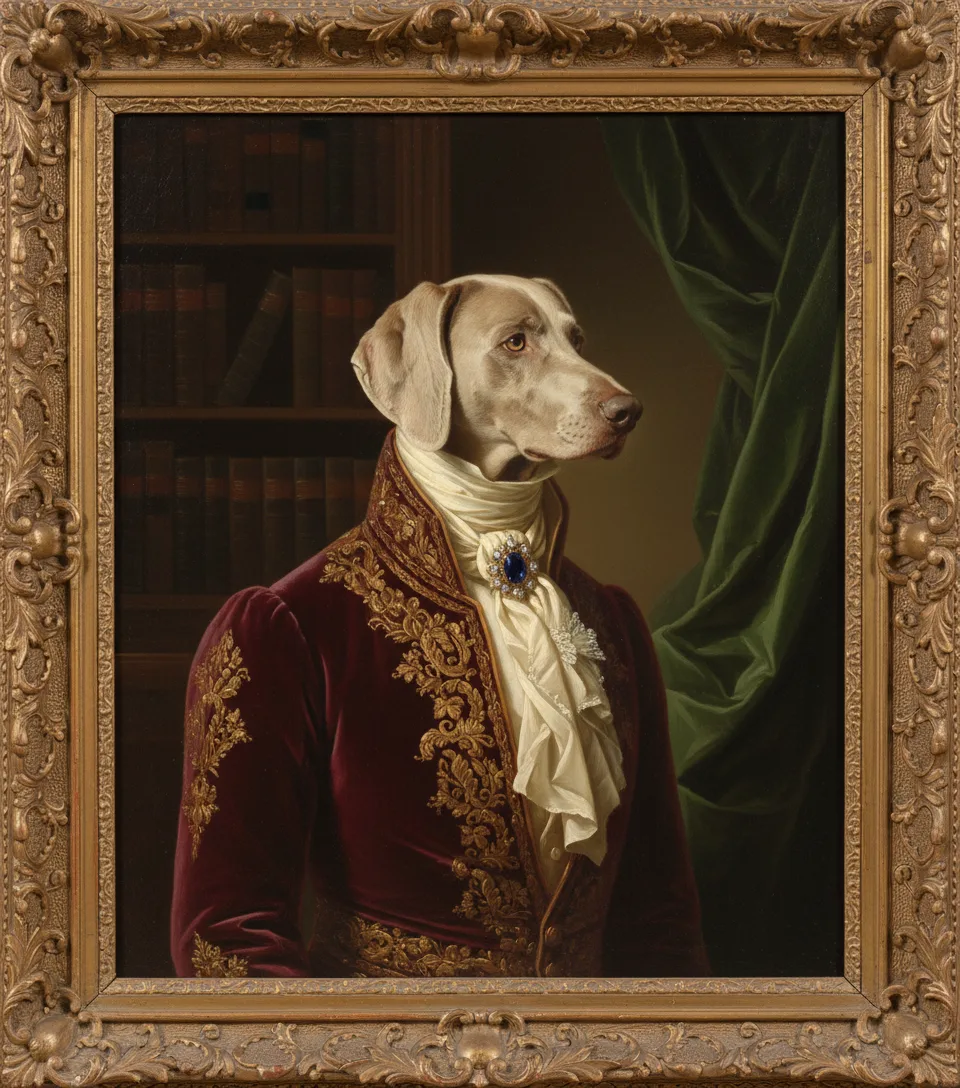
This page explains why pet photos come out blurred and how to get one sharp frame: where to put the focus, how light and movement affect sharpness, how to keep the phone still, and how to use burst mode and Live Photos to pick the best moment. A portrait can only show the fur, whiskers and eyes that the photo recorded clearly. The main pet photo guide covers the other steps, from light to file size.
The article on how to photograph your pet for a portrait gives ten short tips for the whole session. This page goes deeper on one problem, blur, so you can find its cause and fix it.
Three causes of a blurred photo
Almost every soft pet photo comes from one of three causes. Each one leaves a different mark on the photo.
- The focus landed in the wrong place. The background, the collar or the floor is sharp, and the face is soft.
- Your pet moved. The body is sharp in some places, but the head, the paws or the tail are smeared in one direction.
- The phone moved. Everything in the photo is soft or doubled in the same direction, including the background.
The table below matches what you see to the fix.
| What you see | Most likely cause | What to do |
|---|---|---|
| Background sharp, face soft | Focus in the wrong place | Tap the eyes on the screen before the photo |
| Head or paws smeared, rest sharp | Your pet moved | Add light, use burst mode, pick a calm moment |
| Everything soft in one direction | The phone moved | Brace the phone, use both hands or a stand |
| Whole photo hazy | Smudge on the lens | Wipe the lens with a soft cloth |
| Face looks rough and grainy | Finger zoom or dim light | Move closer, add daylight |
Put the focus on the eyes
The eyes are the one part of the photo that must be sharp. The American Kennel Club (AKC) article on dog photos passes on a professional photographer's advice to focus on the dog's eye. Cats Protection, a UK cat charity, says the best point to focus on is your cat's eyes, and that on a phone you tap the screen just before you take the shot.
An AKC article on dog photos asks you to be sure the focus is on your dog, and names the floor, the bedding and the background as the places it lands by mistake. Apple's iPhone guide says the camera sets focus and exposure automatically, and that you can tap the screen to move the focus area. After you tap, you can drag up or down next to the focus area to make the photo brighter or darker. The page on black, white and two-tone coats explains when to use that brightness control.
Locking the focus
When your pet sits still and you are waiting for the right expression, lock the focus. Apple says that if you touch and hold the focus area until AE/AF Lock appears, the focus and exposure stay locked for the next shots, and a tap on the screen unlocks them. On a Google Pixel phone, Google's help page says you tap the subject, a white circle appears and moves with it, and you can tap Lock to keep the focus and exposure on a subject that moves.
A lock works best for a pet lying on a bed or sitting in one place. If your pet walks toward you, the distance changes and the locked focus is then wrong, so tap again.
Movement, light and shutter time
Every photo takes a short amount of time to record. Encyclopaedia Britannica explains that a camera shutter controls exposure time, the length of time during which light is let in. Britannica says the best exposure time depends on the light and on how the subject moves, and that slow shutter speeds show blurred movement.
Britannica says an automatic camera sets the exposure time itself, from a built-in light meter. In bright light it can use a short one. In dim light it keeps the shutter open longer to collect enough light, and any movement of your pet during that time becomes a smear. Cats Protection says a fast shutter speed is often better for cat photos, because it helps capture sharp shots even if the cat moves.
On a phone, the practical fix is light. Move your pet close to a window, open the curtains or wait for daylight. The page on lighting a pet photo shows where to put the window, your pet and yourself. Night modes make this problem worse: Google's Pixel help asks you to hold still for a few seconds while Night Sight takes the photo, which is a long time for an awake pet.
Keep the phone still
Your own hands also move. When the whole photo is soft, including the wall behind your pet, the phone moved during the exposure.
An AKC article on dog photos suggests using a mobile phone holder and a tripod if needed to help steady your phone. Google's Pixel help makes the same point for low light, saying the device works best when it is still. Without a stand, you can:
- hold the phone with both hands and keep your elbows against your body,
- rest your elbows on the floor when you lie down at your pet's eye level,
- lean the phone against a chair leg or a pile of books,
- press the shutter gently, or press a volume button, which Apple's iPhone guide says also takes a photo, so your finger does not push the phone.
The page on camera height and angle explains how low to hold the phone, and lying on the floor gives you the steadiest position as well.
Burst mode and Live Photos
A pet rarely holds one pose for long. The Cats Protection volunteer advises taking lots of shots in quick succession so that at least one is good, and on a phone to keep taking photos and delete the poor ones afterwards. Cats Protection says many cameras have a burst or continuous mode that takes several shots one after the other each time you press the shutter button.
Burst mode on an iPhone
Apple's guide says you swipe the Shutter button to the left to start taking photos in rapid succession, and lift your finger to stop. To choose the photos you keep, tap the Burst thumbnail, then tap Burst and the number of photos. Grey dots below the thumbnails mark the photos the phone suggests you keep. Apple also says you can take burst shots with the volume up button if you turn on Use Volume Up for Burst in the Camera settings.
The AKC article on dog photos recommends burst mode for a running dog, and says the success rate for that type of photo is often low. For a portrait photo you want a still face, so use a burst when your pet shifts or turns its head, and pick the frame where the head was still.
Live Photos
Apple says a Live Photo records what happens 1.5 seconds before and after you take the picture, and that Live Photo is on by default. After you take one, you can choose a different still frame. Open the Live Photo, tap Edit, drag the white frame to choose a different thumbnail, then tap Make Key Photo. If your pet blinked at the moment you pressed the shutter, a frame a moment earlier may have open, sharp eyes.
The page on phone camera settings covers when to turn Live Photos off.
A clean lens and no finger zoom
Two more causes of softness are easy to fix before you start.
Wipe the lens. An AKC article advises wiping the phone lens so there are no finger smudges, grease or smears that make it hard for the camera to find the right focus. Apple says supported iPhones detect a smudged lens and suggest cleaning it, and Google's help page says a Pixel may show a warning when it senses a dirty lens.
Move closer on foot. The same AKC article says that when you zoom in with your fingers on the screen, you lose some of the crispness in your picture, and suggests moving closer or farther away to change the framing. Cats Protection says the smartphone zoom lowers photo quality and suggests cropping afterwards. The AKC article admits that dogs sometimes move away if you come closer, so zoom only when getting closer would make your pet walk off.
Check each photo before you finish
The screen of a phone is small, so a soft eye can look sharp when you see the whole photo at once. After each set of photos, open the best one and spread two fingers on the screen to zoom in on the eyes. Look for three things:
- a clear edge on the eyelid and the dark rim around the eye,
- separate whiskers near the nose, each one a thin line,
- a small, crisp reflection of the window in each eye.
If all three are clear, the photo is sharp where it matters.
What the photo checker measures
The photo checker further down this page gives a sharpness score for any photo you choose. It works in your browser, and the photo never leaves your device. The checker makes a greyscale copy of the photo, at most 512 pixels long, and measures how much each pixel differs from its four neighbours. Crisp edges make large differences and a high score. A blurred photo makes small differences and a low score. The checker uses 100 as its own line between a soft photo and a sharp one. That line was chosen for this checker and is a guide for comparing your own photos.
The score covers the whole photo. A sharp, busy background can raise it even when the face is soft, and a smooth, plain wall behind a sharp pet can keep it lower. Use the score to compare several photos of the same scene, then zoom in on the eyes of the best one to confirm. When you have a sharp photo, the portrait studio takes it as one image file of up to 5 MB.
Try it
Photo checker
Choose the photo you plan to use. The checker measures its size, pixels, brightness and sharpness in your browser. The photo never leaves your device.
Questions and answers
Why are my pet photos blurry?
Pet photos are blurry for one of three reasons: the phone focused on the wrong spot, the pet moved, or the phone moved. Encyclopaedia Britannica explains that a slow shutter speed shows movement as blur, and a phone chooses a slower one in dim light. Tap your pet's eyes to focus, add daylight, and hold the phone steady to fix most blurred shots.
Where should I focus when photographing a pet?
Focus on the pet's eyes. The American Kennel Club advises focusing on the dog's eye, and Cats Protection, a UK cat charity, says the best point to focus on is a cat's eyes, tapping the screen just before the shot. Sharp eyes matter most for a portrait, because the eyes are where a viewer looks first.
How do I lock focus on my iPhone for a pet photo?
To lock focus on an iPhone, open Camera, then touch and hold your pet's face on the screen until AE/AF Lock appears. Apple's iPhone guide says this locks the focus and exposure for the next shots, and a tap on the screen unlocks them. The lock helps when your pet sits still and you wait for the right expression.
What is burst mode on a phone camera?
Burst mode is a phone camera setting that takes many photos one after another while you hold the shutter. Apple's iPhone guide says to swipe the Shutter button to the left to start a burst and lift your finger to stop, then choose the frames to keep. For a moving pet, a burst gives you many chances at one sharp frame.
Can I pick a sharper frame from a Live Photo of my pet?
A Live Photo lets you pick a different frame. Apple says an iPhone Live Photo records what happens 1.5 seconds before and after you take the picture. Open the photo, tap Edit, drag the white frame to another moment, and tap Make Key Photo. A moment when your pet's head was still is often the sharpest one.
Does zooming in on a phone make pet photos less sharp?
Zooming with your fingers on a phone screen makes a pet photo less crisp. An American Kennel Club article says that when you zoom in with your fingers, you lose some of the crispness in the picture, and it advises moving closer or farther away instead. Cats Protection, a UK cat charity, also suggests cropping the photo afterwards.
Can a dirty phone lens make a pet photo blurry?
A dirty phone lens can make a pet photo blurry. An American Kennel Club article advises wiping the lens so no finger smudges, grease or smears make it hard for the camera to find the right focus. Apple says supported iPhones can detect a smudged lens and suggest cleaning it. Wipe the lens with a soft, clean cloth before each session.
What shutter speed is best for photographing a moving cat?
A fast shutter speed is best for a moving cat. Cats Protection, a UK cat charity, says a fast shutter speed helps capture sharp shots even if a cat moves, and suggests raising the ISO, the camera's sensitivity to light, when there is too little light. On a phone, the easiest way to get a faster shutter speed is to add daylight.
How do I check that my pet's eyes are in focus in a photo?
To check your pet's eyes are in focus, open the photo and spread two fingers on the screen to zoom in on the eyes. Look at the edge of the eyelid and the separate whiskers near the eye. If both look crisp, the focus is right. If they look soft or doubled, take the photo again with the focus tapped on the eyes.
What does the sharpness score in the Purrealism photo checker mean?
The sharpness score in the Purrealism photo checker measures how much each pixel differs from its neighbours on a small greyscale copy of your photo. Crisp edges give a high score and blur gives a low one. A score of 100 is the checker's own line, chosen for this checker. Always zoom in on the eyes too, because the score covers the whole picture.
Sources
- Shutter, Encyclopaedia Britannica. Accessed September 28, 2026.
- Pet photography: How to take amazing photos of your cat, Cats Protection. Accessed September 28, 2026.
- 9 tips for better cat photos from a Cats Protection volunteer, Cats Protection. Accessed September 28, 2026.
- Tips for Taking Great Photos of Your Dog, American Kennel Club. Accessed September 28, 2026.
- Say Cheese! Take the Best Photos of Your Dogs, American Kennel Club. Accessed September 28, 2026.
- iPhone camera basics, Apple Support. Accessed September 28, 2026.
- Use iPhone camera tools to set up your shot, Apple Support. Accessed September 28, 2026.
- Capture action shots with Burst mode on your iPhone camera, Apple Support. Accessed September 28, 2026.
- Bring your photos to life, Apple Support. Accessed September 28, 2026.
- Change advanced camera settings on iPhone, Apple Support. Accessed September 28, 2026.
- Take high quality photos on your Pixel phone or tablet, Google Pixel Camera Help. Accessed September 28, 2026.
- Take photos in low light or at night on your Pixel phone or tablet, Google Pixel Camera Help. Accessed September 28, 2026.
Short reads on this topic
Articles from Purrspectives that answer one question each.